By default, Windows features “very helpful” programs you never use: “People”, “Xbox”, “Maps”, useless “Mail” and “Tips”.
Here is how you remove remove them:
1️⃣ Open PowerShell as an administrator.
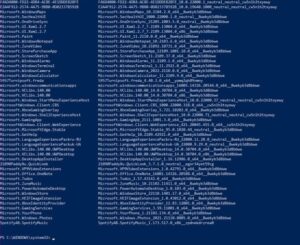
2️⃣ Enter the command “Get-AppxPackage | Select Name, PackageFullName” to get a list of all installed programs.
3️⃣ Enter the command “Get-AppxPackage *people* | Remove-AppxPackage”. People are just an example, and instead, you should specify the name of the program you want to remove.
That’s it! Done. In this way, you will manually get rid of all unnecessary programs.